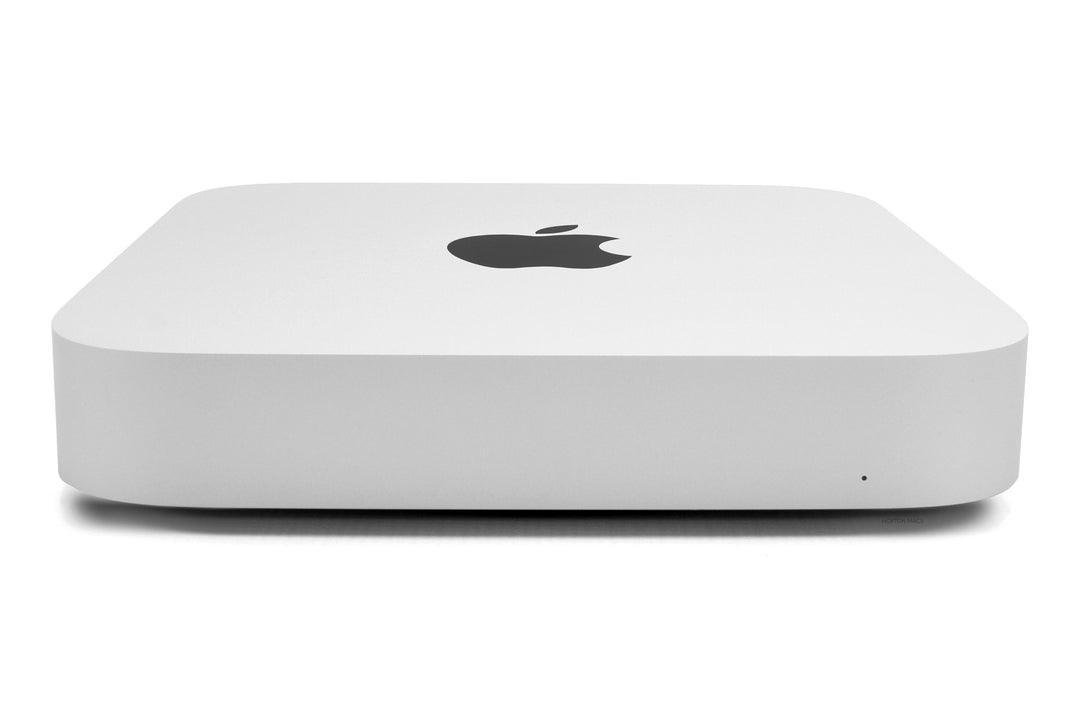
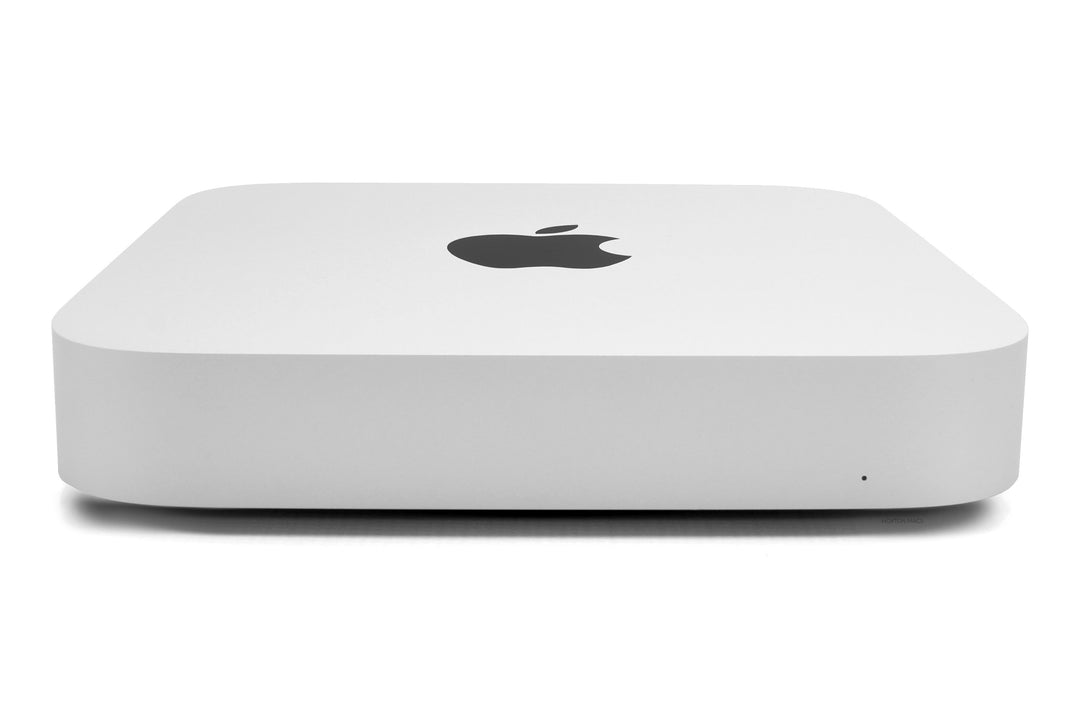
What is a Mac mini?
The Mac mini is a small desktop computer that is the lowest price Mac in Apple’s range. It has every feature you would expect from a Mac but you need to use your own display, keyboard and mouse. Despite its size and price they are very capable devices that will run the latest software with ease, but if you are looking for a more powerful device then the Mac Studio has more powerful chips and better connectivity.
Buying a used Mac mini vs refurbished
Although the Mac mini is the cheapest product in the Mac range it is still a sizeable investment. Buying a Mac mini refurbished from Hoxton Macs provides reliability, warranty, finance options and next day delivery - all factors that might be lacking if buying used from a marketplace.
Buying a new Mac mini from Apple vs Hoxton Macs
We offer many of the benefits of a new Mac mini but at a great saving, plus it’s great for the environment too. Super quick delivery, warranty and expert advice is all part of the service from Hoxton Macs, the largest seller of refurbished Mac in the UK.
Mac mini vs iMac - what is better?
A Mac mini and an iMac 24-inch with the same chip (for example, M1 or M4) have very similar performance, but with the Mac mini you provide your own display, keyboard and mouse. If you already have these, it’s a very cost-effective way to use a Mac. The Mac mini is also available with the more powerful M2 Pro and M4 Pro chips, which the iMac isn’t. Paired with a refurbished Studio Display, a Mac mini gives you a larger 27-inch 5K screen than any current iMac.
How many displays can you connect to a Mac mini?
The Mac mini can connect to external displays using HDMI or Thunderbolt,
* Mac mini M1 & Mac mini M2: 2 displays
* Mac mini M2 Pro, Mac mini M4 & Mac mini M4 Pro: 3 displays
What is the best display for a Mac mini?
Any HDMI or USB-C/Thunderbolt monitor will work with a Mac mini. For the best match, the 27-inch 5K Apple Studio Display has the same 218 ppi sharpness as an iMac, plus a built-in 12MP camera, three mics and six speakers, all over a single Thunderbolt cable.
What about the Mac mini M3?
Apple decided to skip the M3 Mac mini and released the M4 Mac mini in 2024 to replace the M2 Mac mini.
How much memory (RAM) can the Mac mini have?
Mac mini M1 (2020) - 8GB or 16GB
Mac mini M2 (2023) - 8GB, 16GB or 24GB
Mac mini M2 Pro (2023) - 16GB or 32GB
Mac mini M4 (2024) - 16GB, 24GB or 32GB
Mac mini M4 Pro (2024) - 24GB, 48GB or 64GB
Mac mini vs Mac Studio
The Mac Studio sits above the Mac mini in Apple’s product range, it’s more expensive but more powerful and offers better connectivity. The Mac Studio uses Max and Ultra chips, supports more memory and more external displays, and has more ports. See our refurbished Mac Studio range.
What is the difference between the Mac mini Intel vs Apple silicon?
The Mac mini 2018 models have Intel processors whereas the Mac mini 2020 and 2023 models have M1 and M2 chips respectively, and the 2024 models have M4 and M4 Pro chips. For most applications the Apple silicon Mac mini models have more processing power, however they have less capacity for memory. The 2018 Mac mini can have 8GB, 16GB, 32GB or 64GB of RAM memory but the M1 is limited to 16GB, the M2 to 24GB, the M2 Pro and M4 to 32GB, and the M4 Pro to 64GB. The memory in the 2018 models is upgradeable, however it is not possible with Apple silicon models. The 2018, M1, M2 and M4 models can have up to 2TB of SSD storage, while the M2 Pro and M4 Pro can have up to 8TB.